
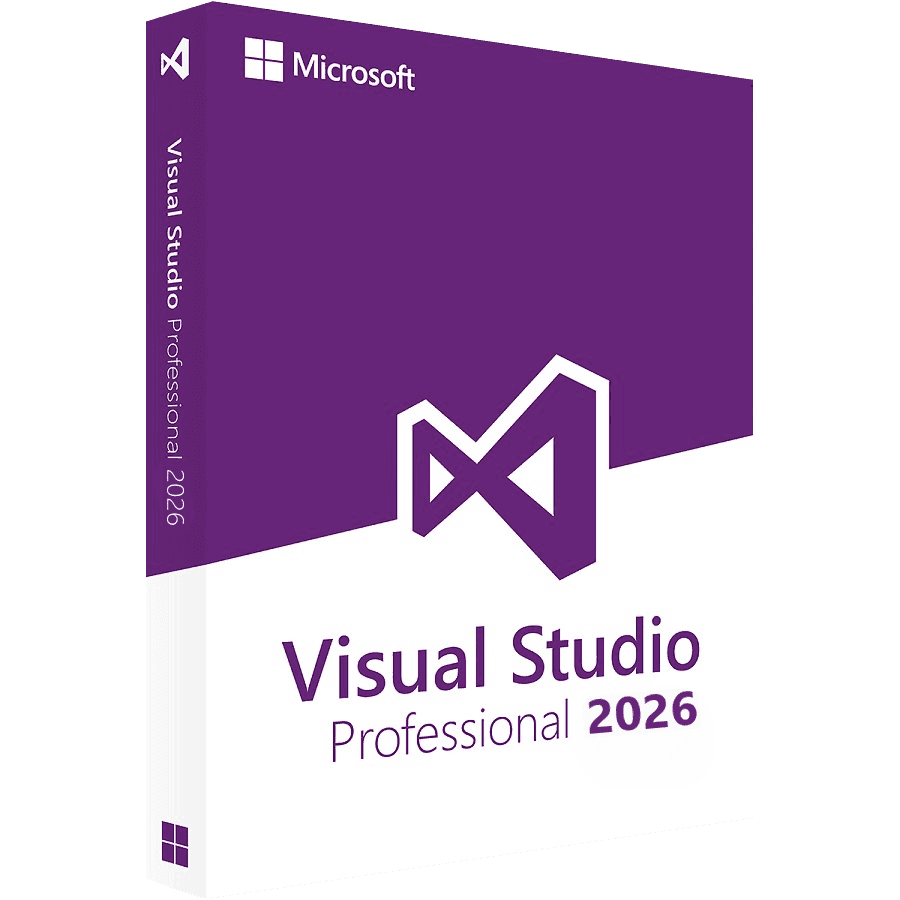
Visual Studio Professional 2026
Original price was: $149.99.$34.90Current price is: $34.90.
Genuine Microsoft Visual Studio Professional 2026 for one PC — the AI-native IDE with built-in coding agents, monthly feature updates and full debugging tools, delivered instantly and activated online.
- Automated Instant Delivery
- 100% Activation Warranty
Available on backorder
Description
Visual Studio Professional 2026 — Genuine License Key
Visual Studio Professional 2026 is Microsoft’s professional IDE for developers and commercial teams, released in November 2025 as version 18. It is the first release built around AI agents that sit inside your workflow, and the first where the IDE is decoupled from the build tools — so you can take IDE updates without moving your .NET or C++ toolchain. Build for Windows, web, cloud, mobile and desktop with full debugging, IntelliSense, Git and Azure integration. This is a genuine license — a perpetual licence with no subscription — delivered instantly.
Who it’s for
- Professional developers and commercial teams who need a fully licensed IDE
- Anyone building C#, C++, Python, JavaScript/TypeScript or .NET applications
- Developers who want AI agents for profiling and code work built into the IDE
- Teams who prefer monthly IDE improvements without rebuilding existing projects
What 2026 adds over 2022
- AI Profiler Agent — performance diagnostics that explain what is slow and why, inside the IDE.
- C# and C++ agents — task-focused agents for everyday precision work.
- Decoupled build tools — the IDE updates on its own schedule; your compilers and SDKs stay exactly where they are.
- Monthly feature updates on the Stable Channel, plus an optional Insiders Channel.
- Fluent theming — edit any theme colour without an extension, and follow the Windows light/dark setting automatically.
Professional vs Enterprise vs Community — which do you need?
- Community — free, but licensed only for individuals, open-source, classroom use and very small businesses. Not valid for larger organizations.
- Professional (this product) — the same core IDE, fully licensed for commercial teams and organizations of any size. The right choice for most paid development work.
- Enterprise 2026 — adds advanced testing (Live Unit Testing, IntelliTest), architecture and modeling tools, and enhanced diagnostics for large teams.
Prefer a fixed version that does not change under you, or need compatibility with an existing 2022-era toolchain? See Visual Studio Professional 2022.
Instant delivery and activation
Your product key appears automatically on the order-confirmation page the moment your checkout completes — no waiting. You can also retrieve it anytime from our order lookup page by entering your order number and the email you used when ordering. Every key is genuine and backed by our 100% activation warranty. Step-by-step help is in our Visual Studio activation guide.
Frequently Asked Questions
What is Visual Studio Professional 2026?
It is the professional edition of Microsoft’s Visual Studio 2026 IDE — a complete environment for writing, debugging, testing and deploying applications across Windows, web, cloud and mobile, with AI agents built in and full commercial licensing.
What’s the difference between Professional and Community?
The features are largely the same, but the license differs. Community is free only for individuals, open-source projects, classrooms and small businesses. Professional is licensed for commercial teams and organizations of any size, so it is the correct, fully compliant choice for paid work.
Should I buy 2026 or 2022?
Both are perpetual licences. Choose 2026 for the AI agents and the monthly feature updates. Choose Visual Studio 2022 if you would rather have a fixed version that stays exactly as installed, or you need to match an existing 2022-era build setup.
Will my existing projects still build?
Yes. In 2026 the IDE is separate from the build tools, so installing it does not change your .NET or C++ compiler versions. You choose when to move a project to a newer toolset.
Do I need an internet connection to use it?
You will need a connection to download, install and activate. After that you can work offline, though the AI features need a connection to run.
Is this a perpetual licence?
Yes — a genuine license with no subscription and no recurring fees, for one PC.
How is my key delivered?
Instantly, on the order-confirmation page right after checkout, and you can re-access it anytime with your order number and email.
Related products
- -47%
Visio Professional 2024
- Original price was: $75.90.$39.90Current price is: $39.90.
- Add to cart
- -86%
Visual Studio Enterprise 2019
- Original price was: $139.90.$19.90Current price is: $19.90.
- Add to cart
- -47%
Project Professional 2024
- Original price was: $75.90.$39.90Current price is: $39.90.
- Add to cart
- -78%
Project Professional 2019
- Original price was: $76.99.$16.99Current price is: $16.99.
- Add to cart
- -78%
Visual Studio Enterprise 2022
- Original price was: $129.90.$28.90Current price is: $28.90.
- Add to cart


Reviews
There are no reviews yet